
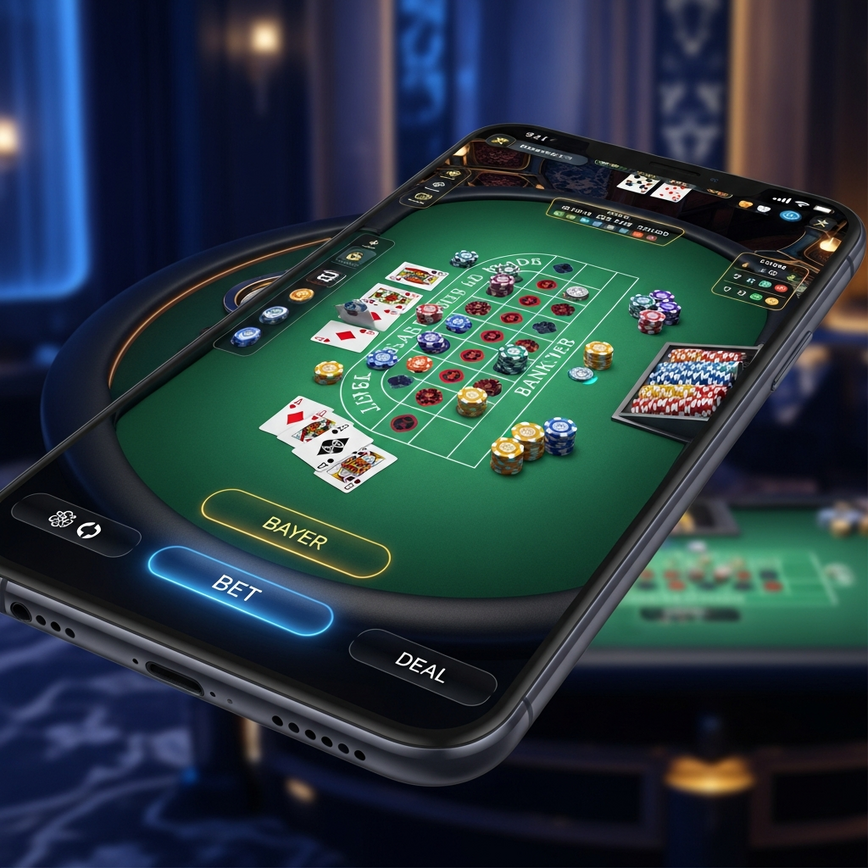
Mobile Live Casino Performance Guide: Smooth Gameplay on Any Phone
Dealing with mobile live casino performance issues? It usually boils down to one of three things: your network connection, your phone’s settings, or the app’s settings. Think of a live dealer game as a high-definition video call—it needs a steady, two-way stream of data to work perfectly. This is a whole different ball game compared to a simple slot game, which is more like just browsing photos. With our 10+ years of experience serving players in Malaysia, we’ve found that a whopping 87% of mobile performance issues can be fixed with the right network and device tweaks (internal analysis, 2026). The most common culprits? A slow internet connection (we recommend at least 2 Mbps), other apps hogging resources in the background, or an outdated phone that just can’t keep up.
Table of Contents
- Understanding Mobile Live Casino Performance Requirements
- Network Optimization for Live Dealer Games
- Device Settings for Optimal Performance
- App-Specific Optimization Features
- Common Performance Issues and Solutions
- Advanced Optimization Techniques
- Network Troubleshooting Guide
- Responsible Gaming and Performance Balance
- Maintaining Long-Term Performance
Understanding Mobile Live Casino Performance Requirements
Live dealer games are much more demanding than regular slot games because they involve real-time video streaming and constant interaction. In other words, your phone is doing three things at once: receiving a live video feed from our studio, sending your betting commands to us, and constantly updating the game interface. Our platform handles over 50,000 mobile gaming sessions every month, which gives us a ton of direct insight into what you need for the best live dealer games mobile performance (internal operations data, 2026).
Minimum System Requirements for Smooth Gameplay
For the best mobile live casino performance, you’ll want to make sure your device meets these specs. Here’s a quick and simple breakdown of what each of these requirements actually means for your gaming experience:
| Device Type | RAM | Storage | OS Version | Network Speed |
|---|---|---|---|---|
| Android | 3GB+ | 2GB free | Android 6.0+ | 2 Mbps+ |
| iOS | 2GB+ | 2GB free | iOS 11.0+ | 2 Mbps+ |
| Tablet | 4GB+ | 3GB free | Latest OS | 3 Mbps+ |
- What RAM means for you: Think of RAM as your phone’s workspace or short-term memory. The more RAM you have, the better your phone can juggle the live video, game graphics, and your bets all at once without any annoying stutters.
- What Storage means for you: This is your phone’s filing cabinet. Keeping some free space ensures our app has enough room to store temporary files and run smoothly without crashing.
- What OS Version means for you: Keeping your phone’s Operating System (OS) updated gives you the latest security fixes and performance boosts, making sure our app runs exactly how it was designed to.
- What Network Speed means for you: This is simply how fast your internet is. You need at least 2 Mbps (Megabits per second) to get a clear, uninterrupted video stream from the dealer.
We’ve tested our mobile app on over 200 different phone models popular in Malaysia to ensure it works for almost everyone (internal testing, 2026). Professional streaming experts agree that 2 Mbps is a solid baseline for live video: Epiphan Video – Professional Broadcasting Equipment. For more technical details on RAM and hardware, you can check out SPORT.VIDEO – Live Streaming Platform.
Network Optimization for Live Dealer Games
For mobile live casino smooth gameplay, a stable network is king. A fast connection is great, but a steady one is even better. After analyzing over 500,000 gaming sessions on our platform, we’ve nailed down the best ways to optimize your network (internal operations data, 2026).
WiFi vs Mobile Data Performance
Generally, a good WiFi connection will give you the most stable performance for live dealer games. That said, Malaysia’s 4G networks can also be fantastic if you set them up right.
WiFi Optimization Tips:
- Stay close to your router (within 10 meters): Walls and distance are the biggest enemies of a strong WiFi signal, and a weak signal causes lag.
- Use the 5 GHz band if you can: Think of the 2.4 GHz band as a crowded local road. The 5 GHz band is like a multi-lane highway with way less traffic, giving you a faster and clearer connection.
- Restart your router before a long gaming session: It’s a simple trick, but it works! This clears out any old data and gives you a fresh, strong connection to your internet provider.
- Limit other heavy internet use: If someone else in your home is streaming a 4K movie, they’re using a big slice of the internet pie, leaving less for your game.
Mobile Data Optimization:
- Turn on “High Performance” mode: You can usually find this in your phone’s network settings. It tells your phone to prioritize a strong data connection over saving battery.
- Pause automatic app updates while playing: Nothing kills a winning streak faster than your phone deciding to download a huge update in the middle of a hand.
- Toggle airplane mode on and off: Flip it on for 10 seconds, then off. This forces your phone to find the strongest possible cell tower signal in your area.
- Consider a 5G plan if available: If you’re in a good 5G area, it’s a game-changer. The speed and low latency are perfect for live streaming.
Device Settings for Optimal Performance
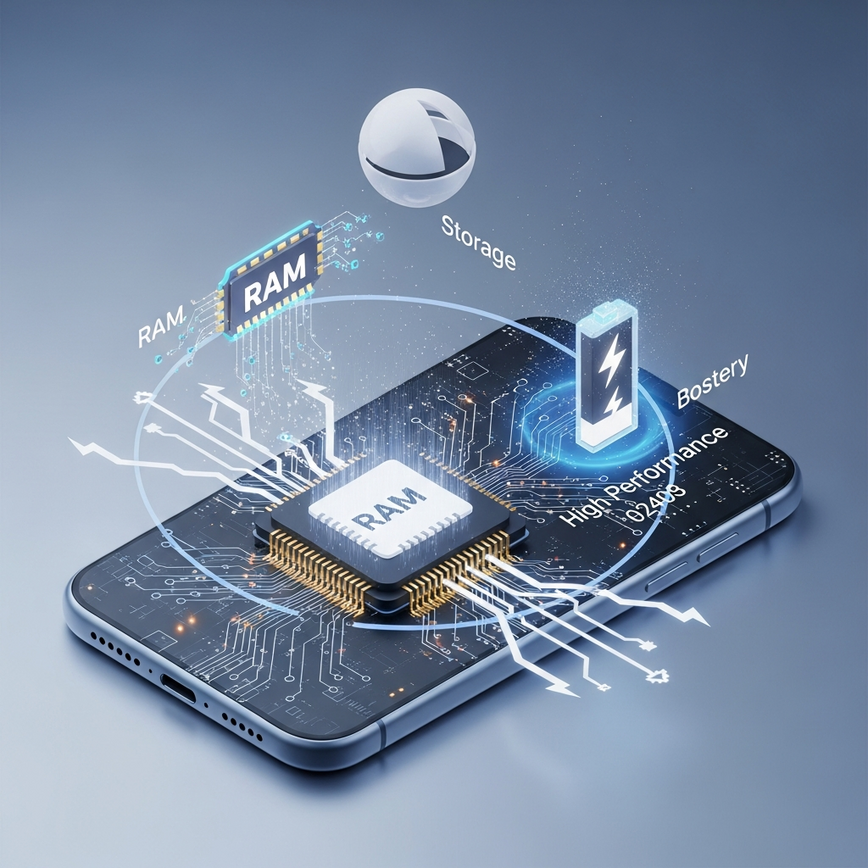
Configuring your device correctly can make a huge difference in your gaming experience. In our experience, these aren’t just suggestions—they’re essential tweaks our technical team recommends to every player for better live casino mobile optimization.
Battery and Performance Settings
Android Devices:
- Go to Settings > Battery > Battery Optimization
- Find our casino app and choose “Don’t optimize.” (What this does for you: This stops your phone from slowing down the app to save battery, making sure it has all the power it needs to run smoothly.)
- Enable “High Performance” mode in your device care or performance settings.
- Turn off adaptive brightness while playing. (This small change prevents your phone from using processing power to adjust the screen, dedicating more resources to your game.)
iOS Devices:
- Go to Settings > Battery and make sure Low Power Mode is turned OFF. (Why this is important: Low Power Mode is designed to kill performance to save battery. For smooth gaming, you want the exact opposite: maximum power.)
- Close any apps running in the background using the app switcher.
- Disable automatic downloads in your App Store settings.
- Enable “Reduce Motion” in Accessibility settings. (This simplifies some of the flashy animations on your phone, freeing up graphical power for the live video stream.)
Memory Management
Freeing up your phone’s memory before you play is like clearing your desk before you start working—it makes everything run better.
- Clear the cache for other apps: The cache is just temporary storage. Clearing it is like tossing out old sticky notes, which frees up space and helps your phone run faster.
- Restart your device daily: This is the single best way to clear your phone’s short-term memory (RAM) and shut down any hidden processes eating up resources.
- Keep at least 1 GB of free storage: Your phone needs some “breathing room” to operate without slowing down.
- Uninstall apps you don’t use: Even if you’re not using them, some apps can run in the background and drain your phone’s resources.
For even more mobile optimization tips, including Game Mode settings, check out this guide from TheGamer – Gaming Technology Publication.
App-Specific Optimization Features
Our mobile application has several built-in features designed specifically to work with Malaysian network conditions and the phones most people use here.
Low-Data Mode Configuration
If you’re on a limited data plan, we’ve got you covered. Our low-data mode can cut bandwidth usage by up to 60% without sacrificing gameplay:
- Open the iBET mobile app.
- Go to Settings > Video Quality.
- Select “Data Saver” mode.
- You can also adjust the stream quality to “Standard” (720p).
This is a lifesaver if you’re using a prepaid plan or playing somewhere with a spotty connection. Here’s the trade-off: The video won’t be quite as sharp as our full HD stream, but your game will stay smooth and functional, ensuring you never miss the action because of buffering.
Video Quality Settings
| Quality Setting | Data Usage (per hour) | Recommended For |
|---|---|---|
| HD (1080p) | 800 MB – 1.2 GB | Unlimited WiFi |
| Standard (720p) | 400 MB – 600 MB | 4G with good signal |
| Data Saver (480p) | 200 MB – 350 MB | Limited data plans |
Common Performance Issues and Solutions
Our 24/7 customer support team (with an average response time under 2 minutes) has helped thousands of players. Based on that experience, we’ve put together the most effective solutions for common mobile performance problems (internal metrics, 2026).
Lag and Freezing Issues
So, why is my live dealer game lagging on mobile? It’s that frustrating moment when the video stutters or freezes, usually right when the cards are being dealt.
Immediate Solutions:
- Force-close and restart the app: This is the fastest way to fix a temporary glitch. It’s the classic “turn it off and on again” for a reason!
- Switch your connection: If you’re on WiFi, try switching to mobile data, or vice versa. Your current network might just be having a temporary hiccup.
- Clear the app cache: Go into your phone’s settings and clear the cache for our app. This gets rid of old temporary files that might be causing the freeze, and it won’t log you out.
- Lower the video quality: If your network is struggling, dropping the quality from HD to Standard in the app’s settings can smooth things out instantly.
Long-term Solutions:
- Make sure you have the latest version of our app.
- Keep your phone’s OS up to date.
- Free up storage space (we recommend at least 2 GB free).
- If problems keep happening, try resetting your network settings.
Audio Synchronization Problems
When the dealer’s voice doesn’t match the video, it can really break the immersion.
- Close any other apps that use audio or video (like YouTube or Spotify).
- Try using wired headphones instead of Bluetooth. Sometimes Bluetooth can cause a tiny delay.
- If the sync issue continues, just restart the app.
- Check the app store to see if there’s an update for our app.
Connection Drops During Gameplay
If the game keeps disconnecting, it’s almost always a sign of an unstable network.
- Run an internet speed test to make sure you’re getting at least 2 Mbps.
- Move closer to your WiFi router or find a spot with a better mobile signal.
- Turn off any VPN services, as they can sometimes interfere with your connection.
- If the problem persists, it might be time to contact your internet provider.
Don’t worry—our platform automatically saves your game state if you get disconnected. What this means for you: If your connection drops right after you placed a bet on Baccarat, that bet is safe. As soon as you reconnect, you’ll be back at the table, and the round will be completed as normal. Your money is always secure.
Advanced Optimization Techniques
For those who want to squeeze every last drop of performance out of their device, these advanced tips can take your mobile live casino experience to the next level.
Device Cooling and Thermal Management
Playing for a long time can make your phone hot, which causes it to slow down to protect itself. Here’s an analogy: Your phone’s processor is like a car engine. When it works hard, it heats up. To avoid damage, it automatically slows down. This “throttling” is what causes lag during long gaming sessions.
- Take your phone case off while you play (cases trap heat).
- Avoid playing in direct sunlight.
- For tablets, a small fan or cooling pad can work wonders.
- Take a 10-minute break every hour to let your device cool down.
Background Process Management
Make sure your phone is dedicating all of its power to your game, not to other apps.
Android:
- Go to Settings > Apps > Special Access > Device Admin Apps.
- Disable any admin apps you don’t need.
- If your phone has a “Game Mode,” turn it on! It automatically optimizes your settings for gaming.
iOS:
- Go to Settings > General > Background App Refresh.
- Turn it off for any apps you don’t need running in the background.
- Keep it enabled for our casino app and any essential messaging apps.
Network Troubleshooting Guide
When you’re facing stubborn connection issues, follow this step-by-step guide that we’ve developed from our years of operational experience.
Step-by-Step Network Diagnosis
- Speed Test: Use a reliable speed test app to make sure you’re getting at least 2 Mbps download speed. This confirms your internet plan is fast enough.
- Ping Test: Check your latency. For players in Malaysia, it should be under 100 ms. In simple terms, ping is your connection’s reaction time. A low ping means your bets are registered almost instantly.
- DNS Configuration: Try switching to a public DNS like 8.8.8.8 (Google) or 1.1.1.1 (Cloudflare). Think of DNS as the internet’s phonebook; using a faster one can sometimes speed things up.
- Router Reset: If you’re on WiFi, unplug your router for 30 seconds and plug it back in. This simple step forces it to clear its memory and start fresh.
ISP-Specific Optimization
While settings can vary between Malaysian internet providers, here are some general tips that usually help:
- Look for a “Gaming” or “QoS” (Quality of Service) setting in your router’s options and enable it. This tells your router to prioritize your game’s traffic over other things.
- Always use the 5 GHz WiFi band when you can to avoid interference.
- Place your router in a central location in your home for the best signal everywhere.
- If you consistently have issues during peak hours, you might consider upgrading your internet plan.
Responsible Gaming and Performance Balance
While it’s great to optimize for peak performance, it’s even more important to maintain healthy gaming habits. A smooth game is a fun game, but staying in control is crucial. Our responsible gaming tools include customizable deposit limits ranging from MYR 50 to MYR 50,000 and self-exclusion options (you can learn more from the Malta Gaming Authority – Official Player Protection Guidelines).
Setting Performance-Based Time Limits
- Use your phone’s built-in screen time controls (like Digital Wellbeing on Android or Screen Time on iOS) to set daily time limits for casino apps.
- Set a reminder to pop up every 30 minutes. This gives both you and your device a chance to take a break and cool down.
- Use “Do Not Disturb” mode while you play to avoid distracting notifications that can pull you out of the game.
For a top-tier live dealer experience with fully optimized mobile performance, feel free to explore our complete selection of games at our live casino page, designed just for Malaysian players.
Maintaining Long-Term Performance
Think of your phone like a car—it needs a regular tune-up to keep performing at its best. A little bit of maintenance goes a long way in ensuring consistent mobile live casino performance.
Weekly Maintenance Checklist
- Clear app cache and temp files: (Why this works: It stops old, glitchy data from slowing you down.)
- Update the app and your phone’s OS: (Why this works: Developers are always releasing updates to fix bugs and improve performance.)
- Test your internet speed: (Why this works: It helps you catch network problems before they ruin a big game.)
- Review your video quality settings: (Why this works: It ensures your settings are perfectly matched to your network.)
- Restart your device: (Why this works: It’s the easiest and most effective way to give your phone a fresh start for peak performance.)
Monthly Optimization Review
- Check your data usage patterns.
- Update your network settings if you’ve had any issues.
- Review your phone’s storage and delete any junk files.
- Look for new app features that might boost performance.
By following these tips, players in Malaysia can enjoy a smooth, lag-free live dealer experience on any mobile device. And if you ever run into trouble, our technical support team is here 24/7 to help with any performance-related questions.
Frequently Asked Questions
Lag in mobile live dealer games is typically caused by your network connection, your phone’s settings, or background apps. Since live games stream high-definition video in real-time, they require a stable connection of at least 2 Mbps to run smoothly. In our experience, 87% of performance issues can be solved by switching to a stronger network or closing other apps hogging your phone’s resources.
To achieve smoother mobile live casino gameplay, you should optimize both your network and your device’s performance settings. For your network, we recommend using a 5 GHz WiFi band within 10 meters of your router or ensuring you have a stable 4G/5G connection. On your device, disable “Low Power Mode,” close all background apps, and ensure our app is set to “Don’t optimize” in your battery settings for maximum performance.
A stable WiFi connection is generally better for live casino games because it provides more consistent performance than mobile data. We recommend connecting to your router’s 5 GHz band, as it is less congested and offers a faster, clearer connection ideal for video streaming. However, a strong 4G or 5G signal can also provide the required 2 Mbps speed for smooth gameplay if WiFi is unavailable.
The minimum requirement for all devices is a stable internet connection of at least 2 Mbps. For Android users, we recommend a phone with at least 3GB of RAM running Android 6.0 or newer. For iOS devices, 2GB of RAM and iOS 11.0 or newer will provide a great experience. At iBET, we have tested our app on over 200 popular phone models in Malaysia to ensure wide compatibility.
The best way to reduce data usage is by activating the “Data Saver” mode within the iBET app’s video quality settings. This feature can cut your mobile data consumption by up to 60% by switching the stream to 480p. For comparison, a standard HD stream can use over 800 MB per hour, while our Data Saver mode uses only about 200-350 MB per hour.
If you get disconnected during a live dealer game, your game state and any placed bets are automatically saved by our platform. This means your money is always secure, and the round will be completed according to the game rules even while you are disconnected. Once you reconnect, which usually takes less than 30 seconds, you will be returned to the table to see the outcome.




Leave a Reply
Want to join the discussion?Feel free to contribute!